Gandi Integration
Connect Gandi to Domain Collective
Use this guide to connect Gandi and sync your domains.
Why Gandi is easy
Gandi uses a Personal Access Token (PAT). No minimum domain requirements or approvals.
Get API credentials
Step 1: Navigate to user settings
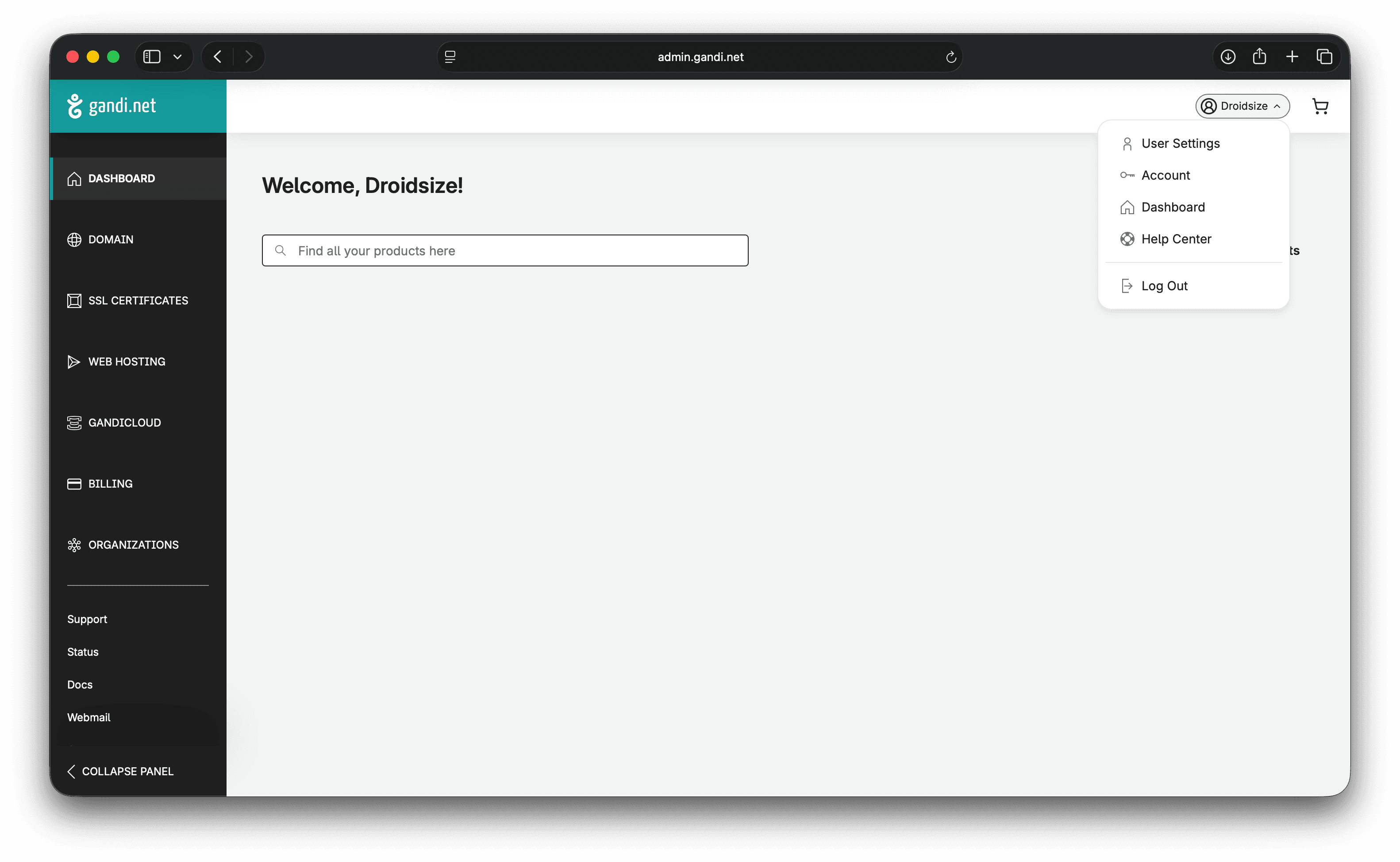
- Sign in to Gandi.
- Open User Settings.
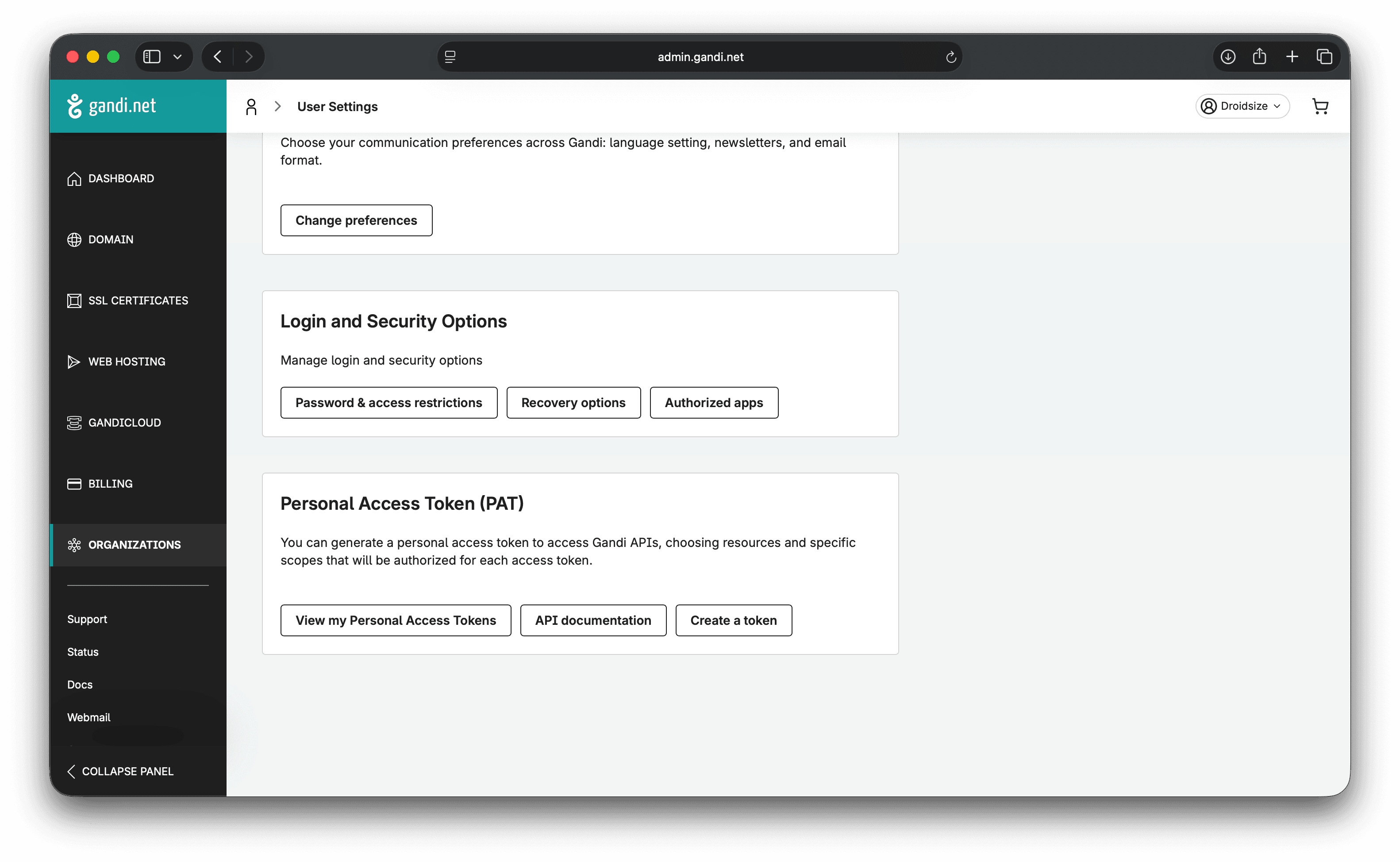
- Go to Personal Access Tokens (PAT).
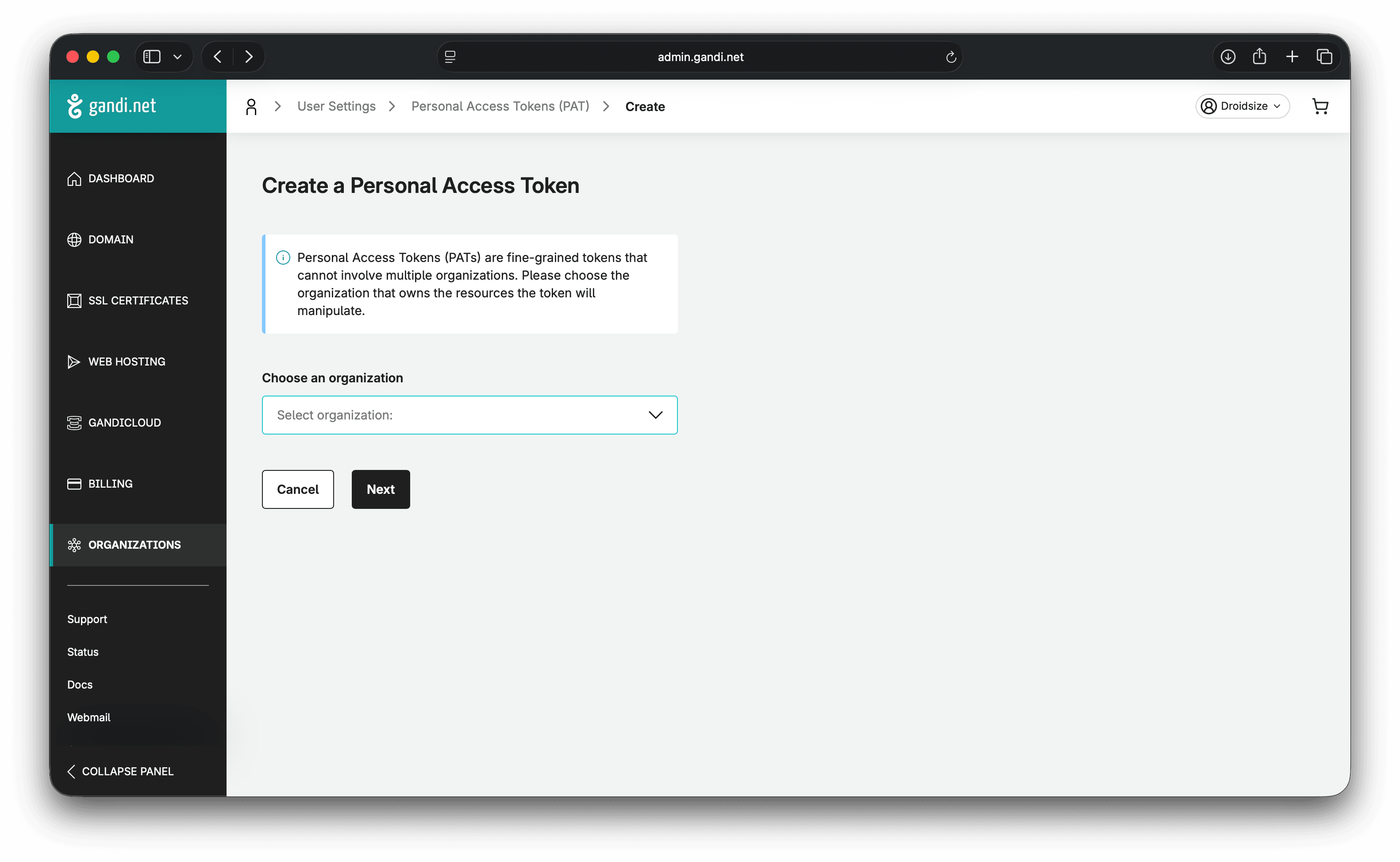
- Click Create.
Step 2: Configure token settings
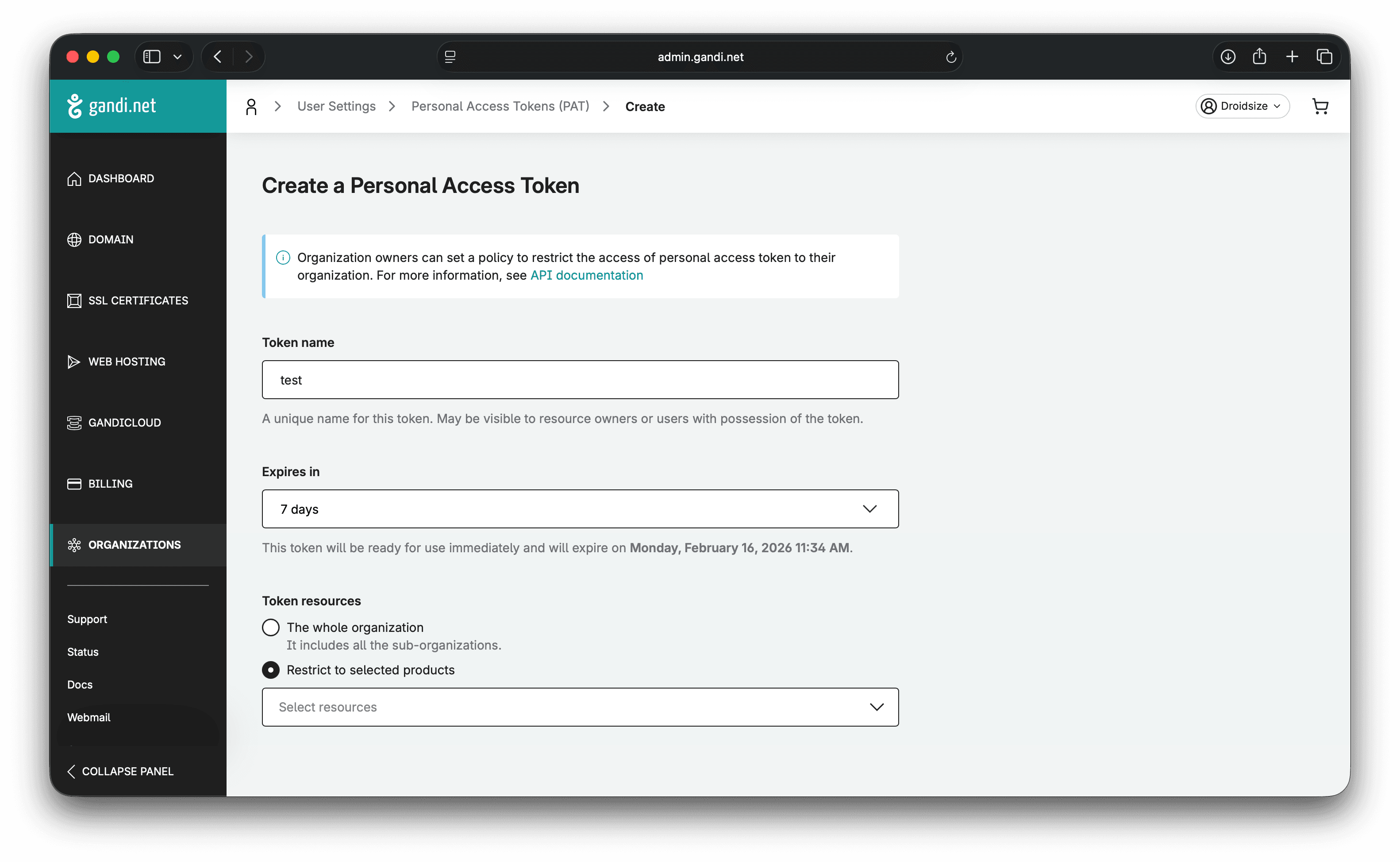
- Name your token (e.g., “Domain Collective”).
- Set expiry (recommend 1 year).
- Select The whole organization.
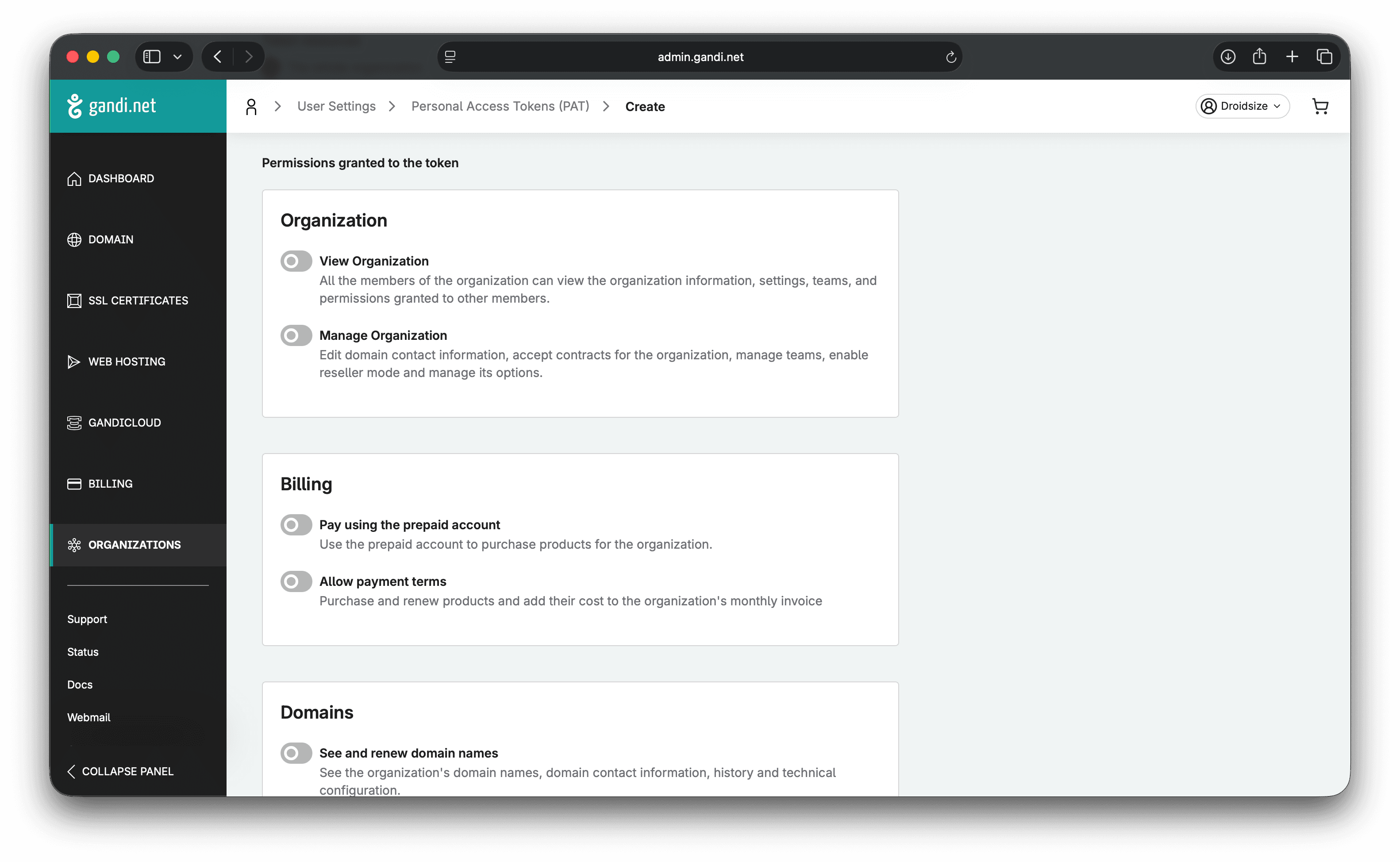
Step 3: Select permissions
Enable only these two permissions under Domains:
- See and renew domain names
- Manage domain name technical configurations
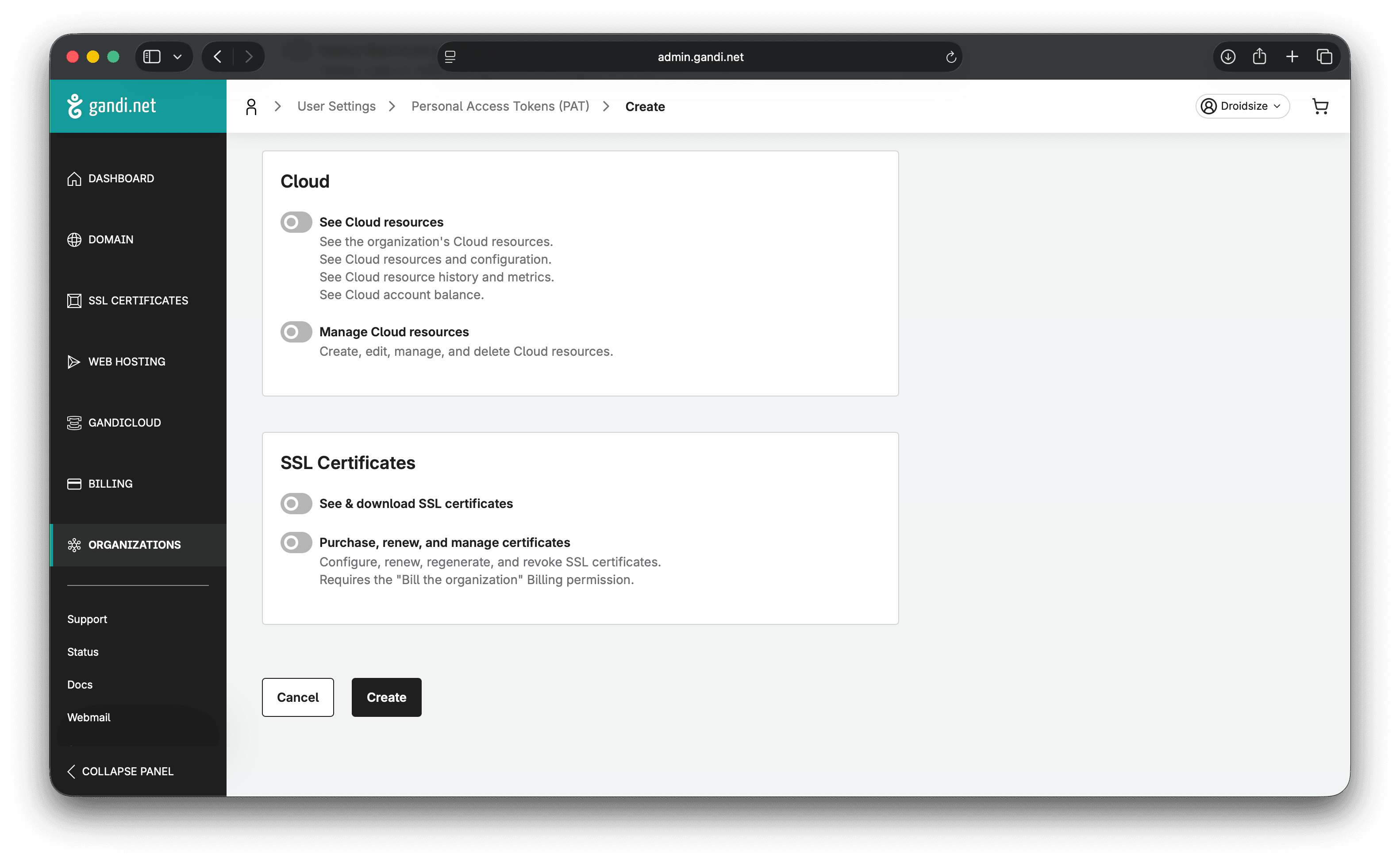
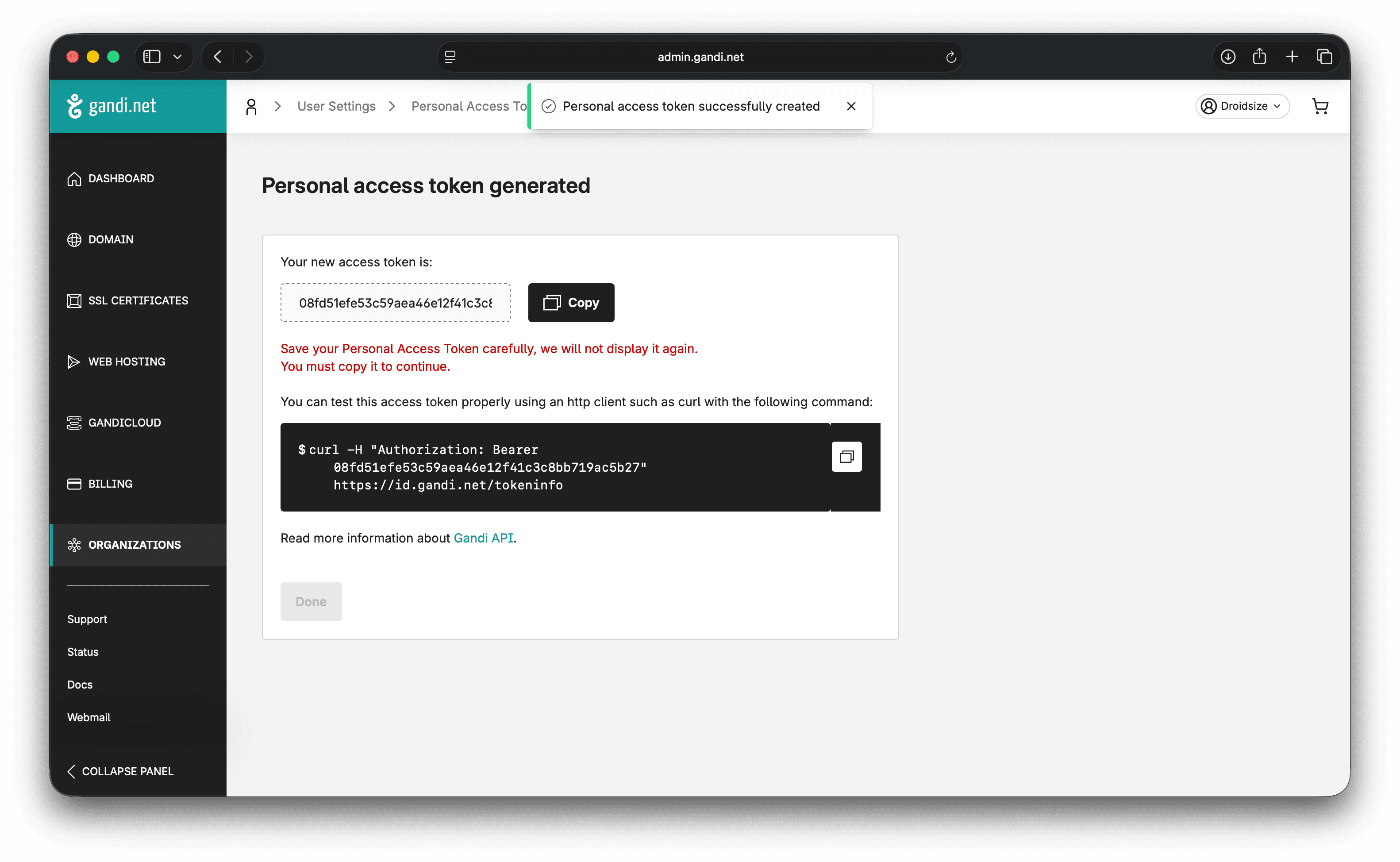
Step 4: Create and copy token
Create the token and copy it immediately. It’s shown only once.
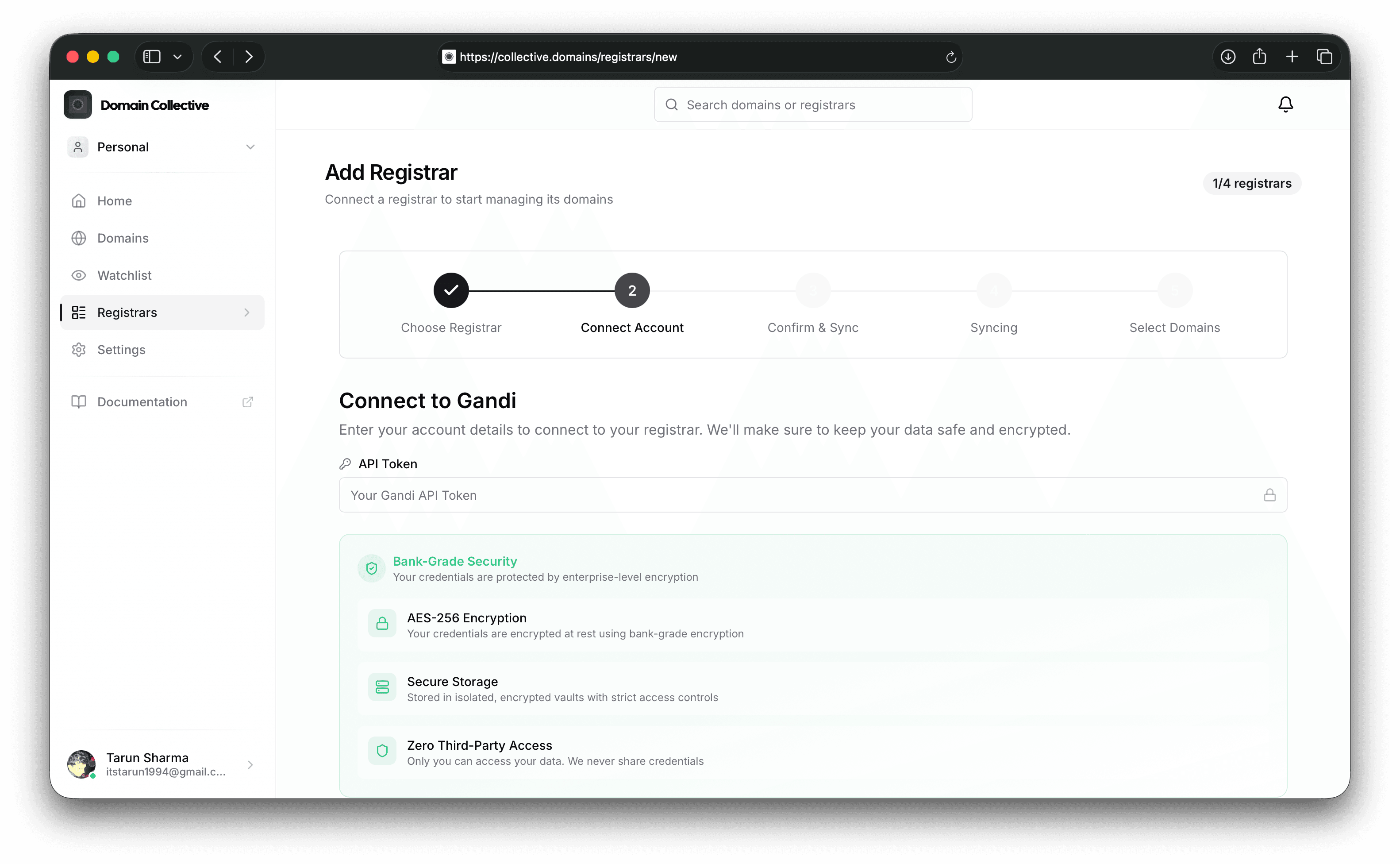
Connect to Domain Collective
Use your PAT as the API Token in the integration form.
Troubleshooting
- 401 Unauthorized: Token expired or revoked.
- 403 Forbidden: Missing required permissions.
References
Last verified: February 2026